Warning! iPhone 16 to 17 are vulnerable to hackers who can access your device through the USB-C port
Here is the fix you need to do to make sure you will not be compromised by criminals with malicious intent

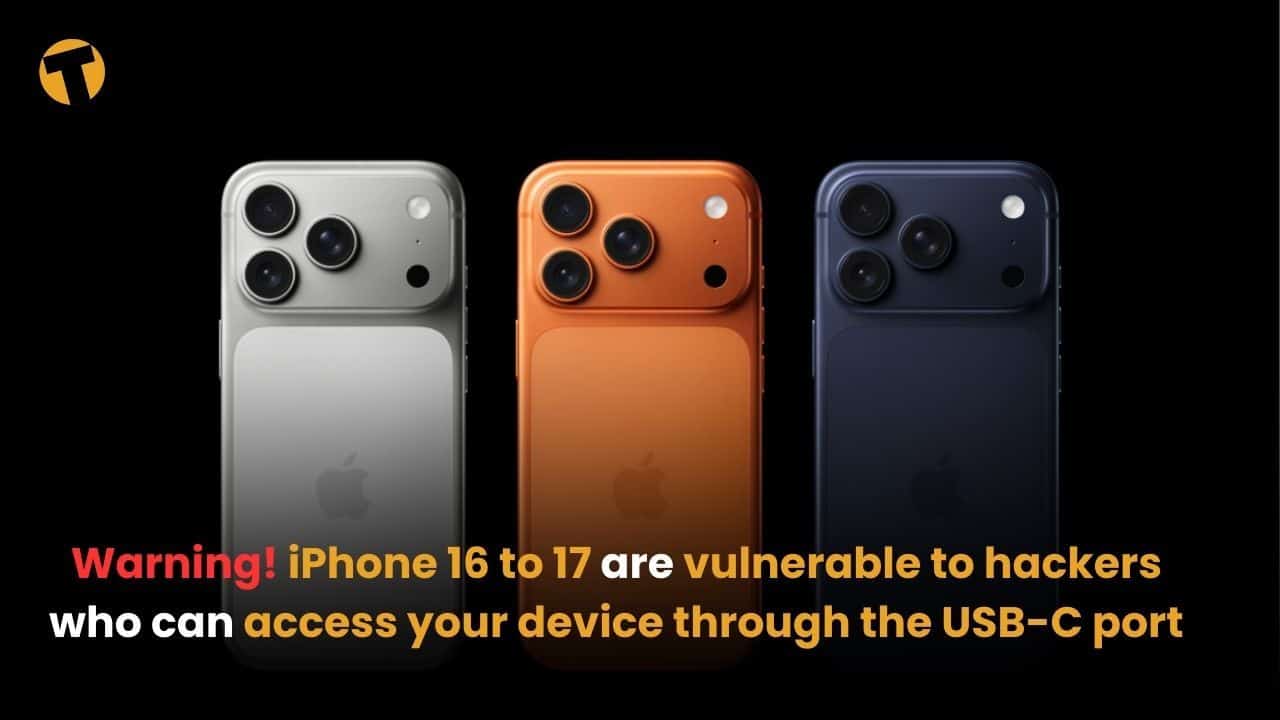
Users of the new iPhone 16 and 17 models are being urged to adjust their settings immediately after a security flaw in iOS 26 was found to expose data through the USB-C port.
Zak Doffman, a cybersecurity expert at Forbes, issued an urgent warning to iPhone 17, 16, and 15 users, advising them to change their security settings on iOS 26. He reported that Apple’s default settings may unintentionally allow criminals to access device data through the USB-C port.
According to the report, the iOS 26 update rolled out in September introduced a new protection system for USB-C connections, designed to block forensic data extraction and attacks through charging cables or accessories. However, due to an oversight, the default setting was left in a potentially unsafe state.
The current default is set to “Automatically allow when unlocked,” which means that if the device is already unlocked, plugging in any cable or accessory into the USB-C port allows instant connection and data access without prompting the user.
What we recommend that users do
Follow these steps:
-
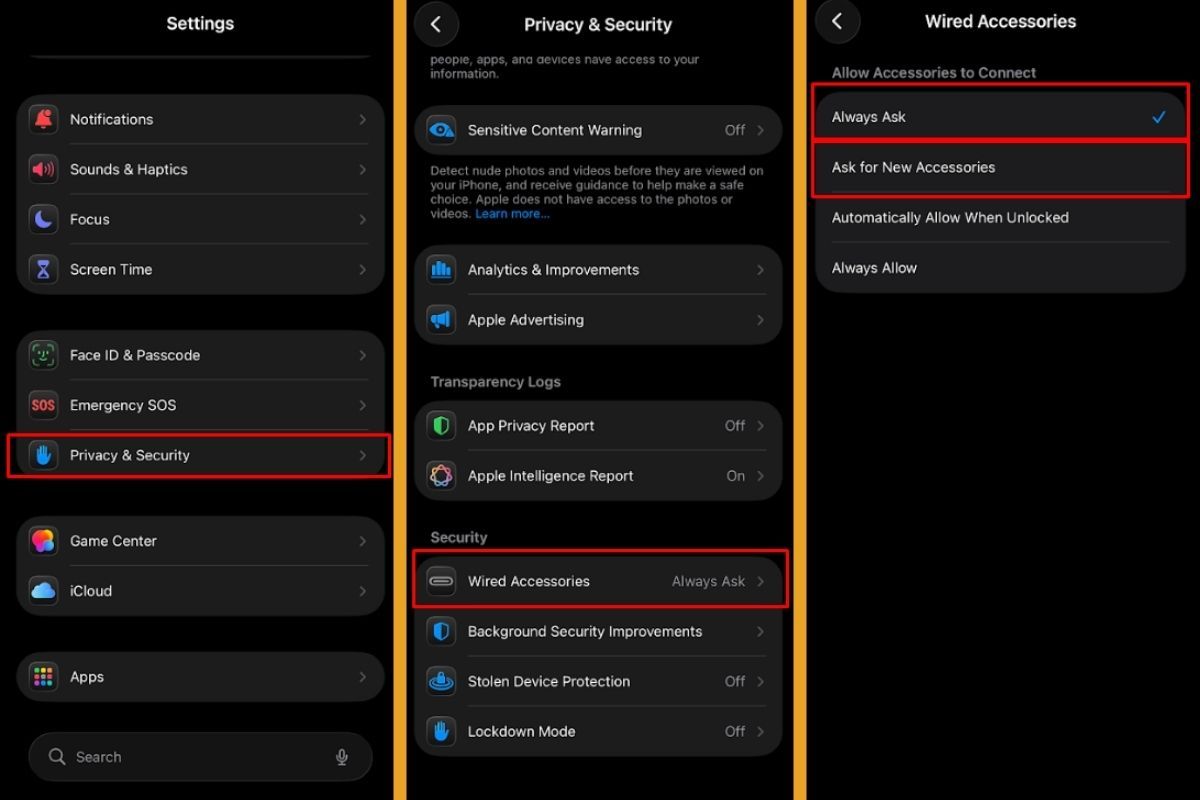
Go to Settings
-
Tap Privacy & Security
-
-
Select Wired Accessories
-
Change the option to “Always Ask” or “Ask for New Accessories”


Also: Smartwatches can really detect heart disease
Adjusting this setting helps prevent unauthorised attempts to connect accessories for data extraction. Even though messaging apps like WhatsApp use end-to-end encryption, that protection only applies while data is being transferred. If an attacker connects to a device that is already unlocked and decrypted, they can still access messages and files stored on the phone.
There is also an additional technical issue. Some users have reported being unable to change this setting due to a system bug present since the September update. Apple has acknowledged the issue but has not released a patch as of November 30.
For users unable to adjust the option, a full device reset and restore may be required. Some reports also suggest enabling Lockdown Mode to temporarily unlock the setting.
This security measure applies only to newer iPhone models with USB-C ports (iPhone 15 and later). Older models with Lightning ports do not have this advanced protection option and only offer “Always Allow” and “Allow When Unlocked.”
Also: Expat’s guide to QR payments in Thailand
ดูโพสต์นี้บน Instagram
The Thaiger key summary
- Recent iOS updates occasionally introduce new security gaps that affect default settings on newer models.
- USB-C–equipped iPhones are increasingly targeted because of their broader accessory compatibility.
- Reports show that software bugs linked to new security features often take weeks before Apple delivers a stable fix.
Latest Thailand News

























Follow The Thaiger on Google News: